

Services
Customer messaging services for website workflows.
Turn the website moments that need a reply into clear customer messaging workflows.
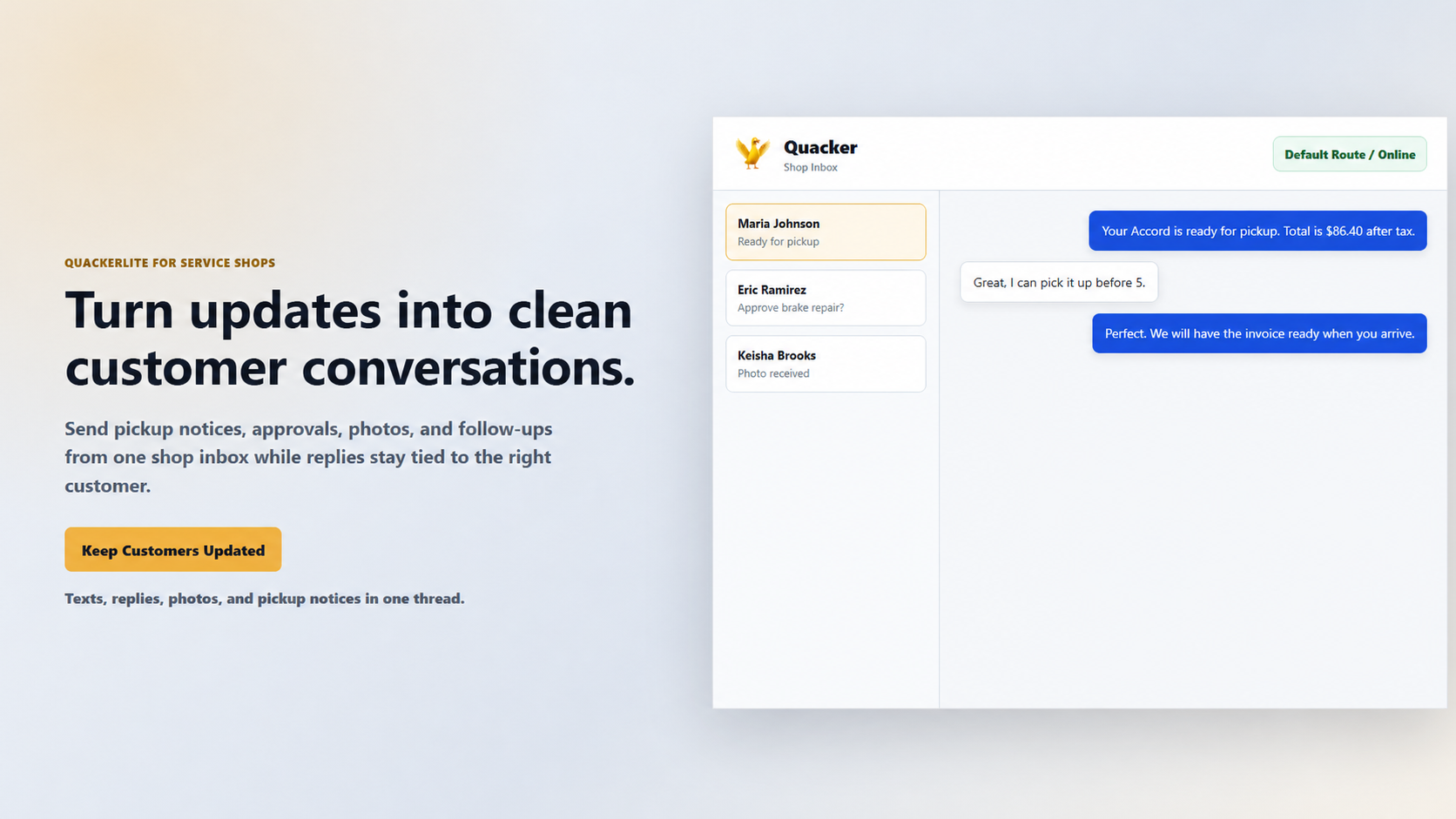
aiQuacker services help connect your website workflows to customer conversations so jobs, forms, invoices, updates, and replies stay attached from start to finish.
✓Connected messaging line
✓Workflow attached
✓Business controlled
Customer updates
Updates that keep the conversation moving.
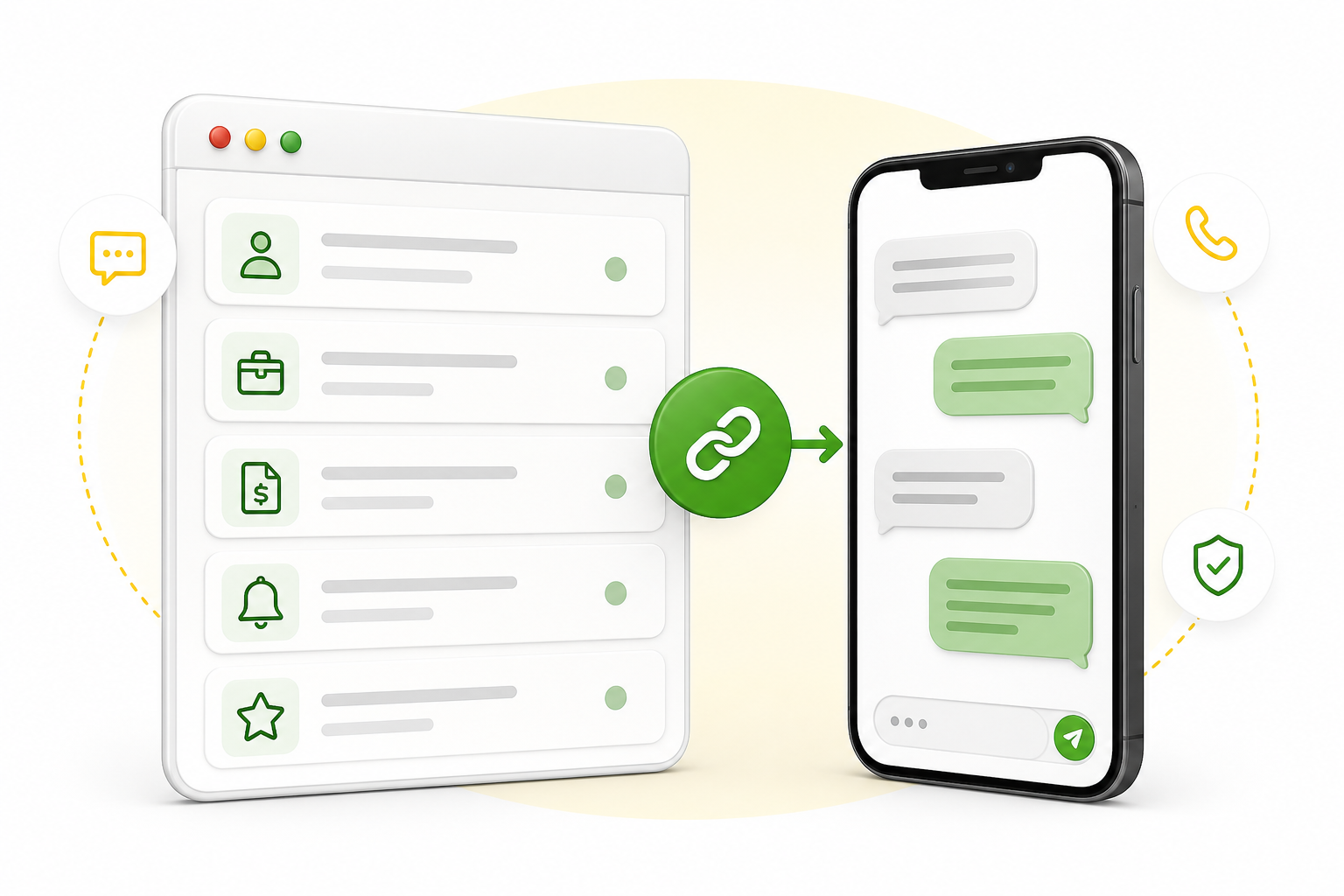
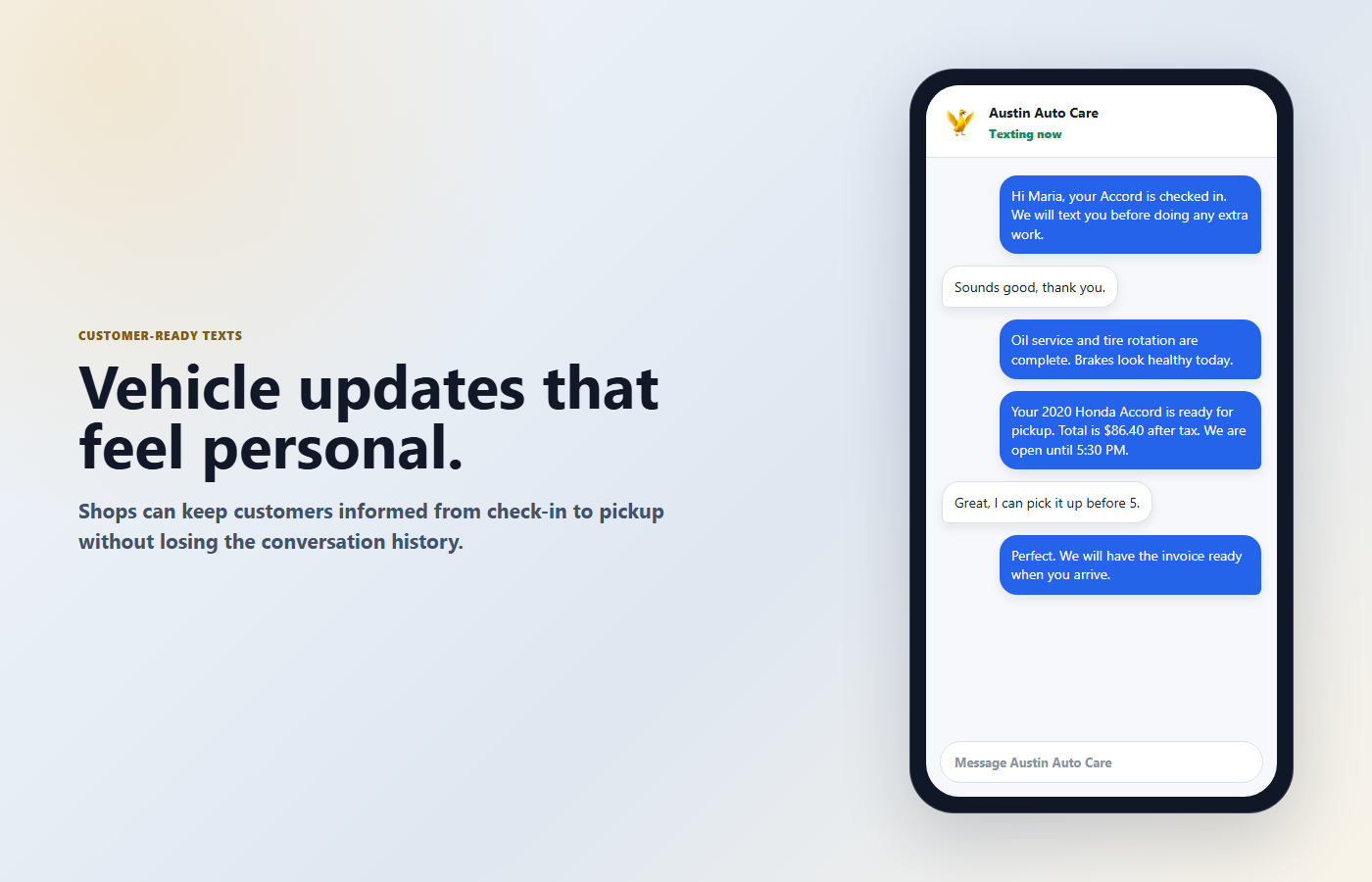
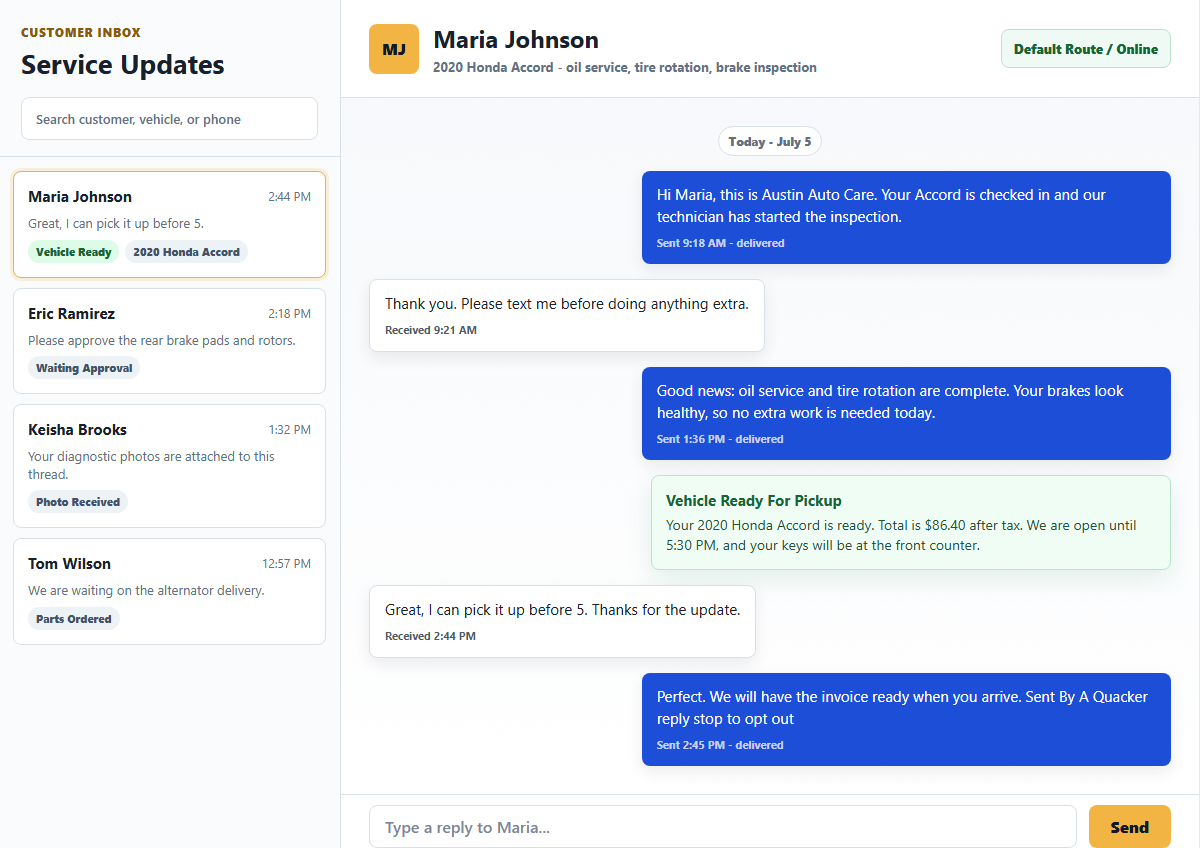
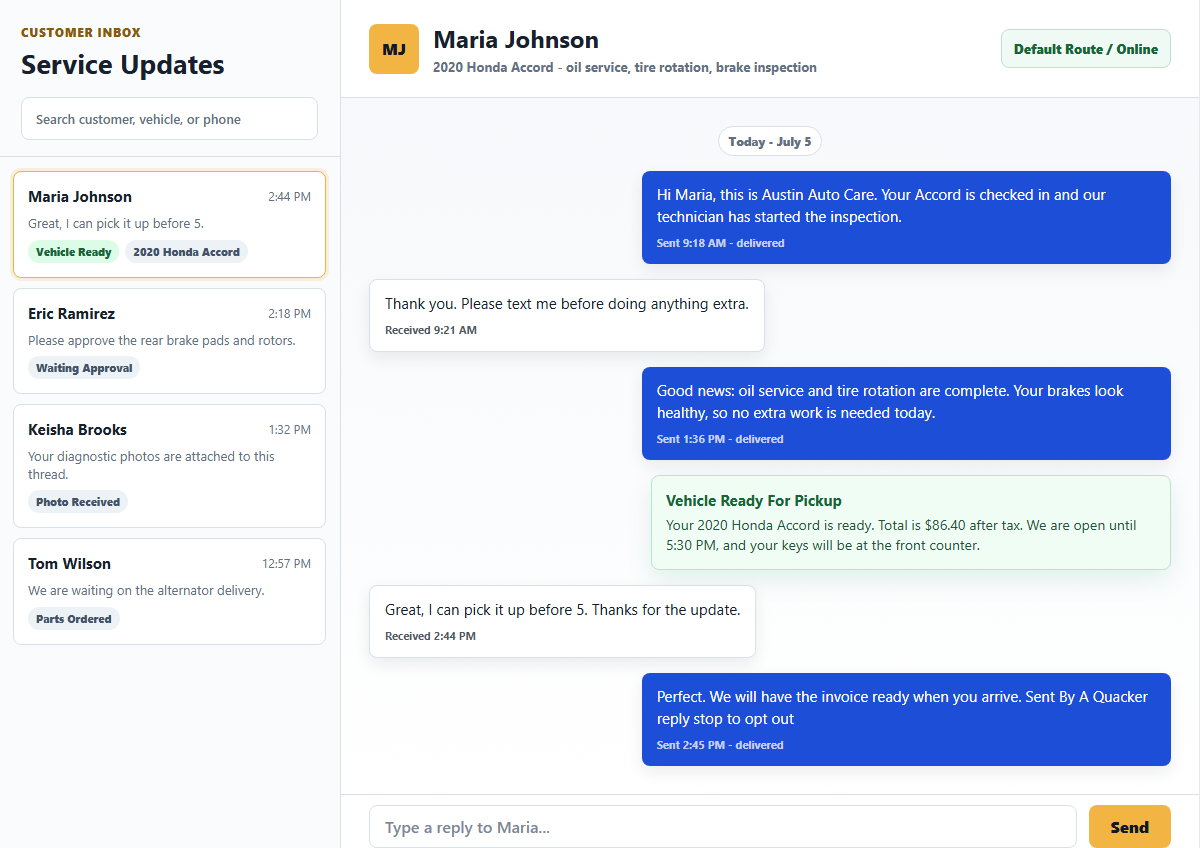
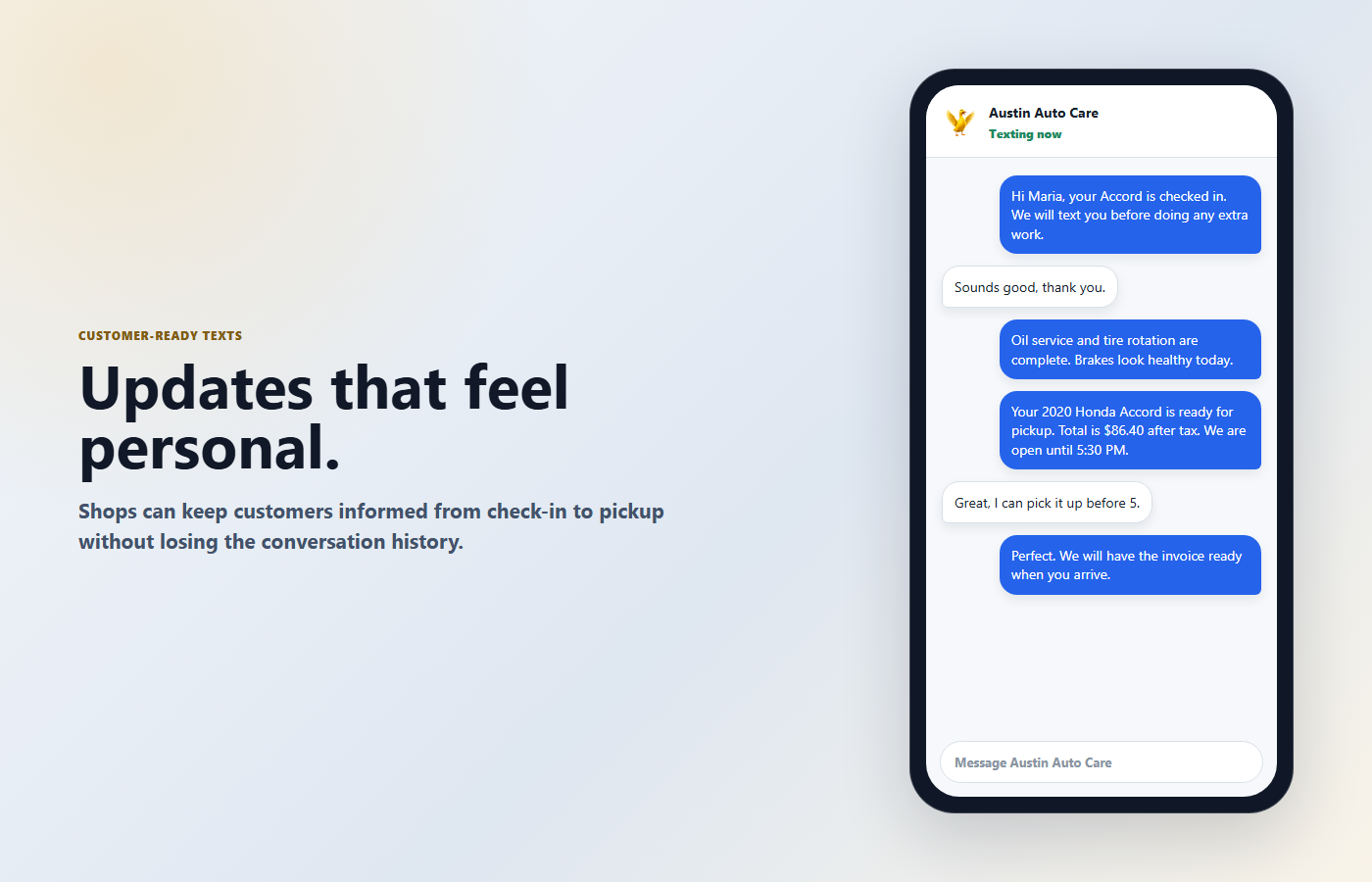
From the website to the customer text thread to the staff inbox, aiQuacker keeps service updates and replies attached to the work.
Our service lanes
Everything needed to message from inside the workflow.
Workflow Messaging Setup
Design the messaging structure so every important website moment can send the right message at the right time.
Sending Line Guidance
Choose the connected messaging line path that fits the business, the workflow, and the level of ownership needed.
Website Flow Integration
Connect aiQuacker to forms, jobs, invoices, updates, authorizations, reviews, and replies without turning the site into a generic inbox.
Reply Thread Handoff
Bring replies back to the exact workflow so the whole conversation stays with the job, invoice, request, or update.
Launch Support
Test, verify, and go live with the first workflow, then expand from one clear customer conversation surface.
How services connect
From website action to customer conversation.
1Website Action
A form is submitted, a job is created, or an update is triggered.
2Workflow Trigger
aiQuacker detects the moment inside the website workflow.
3Message Sent
The message goes out from the approved sending line.
4Customer Replies
The customer response comes back to the same conversation.
5Attached to Workflow
The reply stays with the exact job, invoice, request, or update.

Ready to build the first workflow?
Start with the customer message your website already needs to send.
Choose one job, invoice, update, authorization, review request, or reply thread and turn it into a clear website workflow message.