
Website action
A form, invoice, job update, authorization, review request, or reply thread creates the moment.
How it works
aiQuacker lets the website quack at customers from inside the workflow, then keeps replies attached to the work your team is already handling.
Pick the trigger, approve the message, send from a connected messaging line, and keep the reply tied to the same job, invoice, update, authorization, or review request.
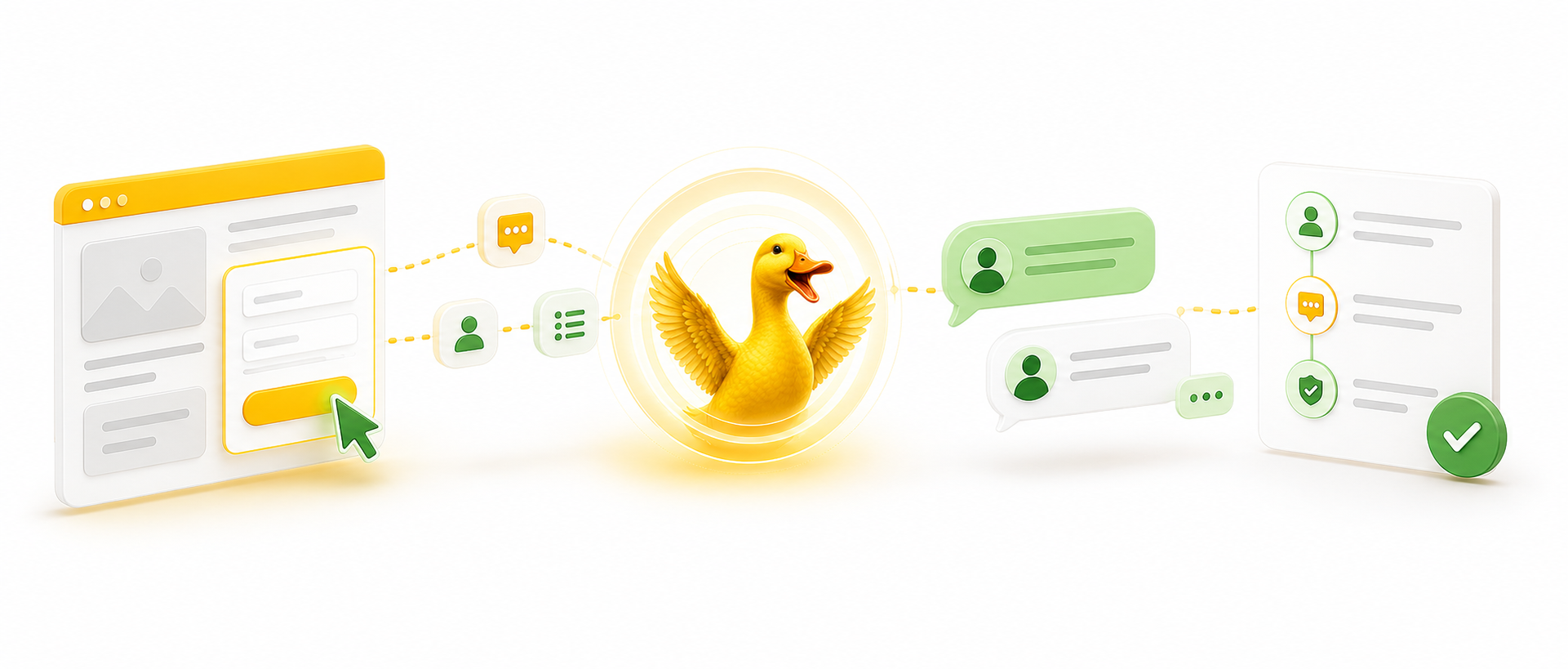
Five working steps
The point is not another inbox. The point is a customer conversation that belongs to the work.
A form, invoice, job update, authorization, review request, or reply thread creates the moment.
aiQuacker matches the workflow moment to the customer message that should be sent.
The customer receives the message through the approved sending line.
The response returns to the customer messaging surface instead of getting separated from the work.
The conversation stays attached to the exact job, invoice, update, or request.
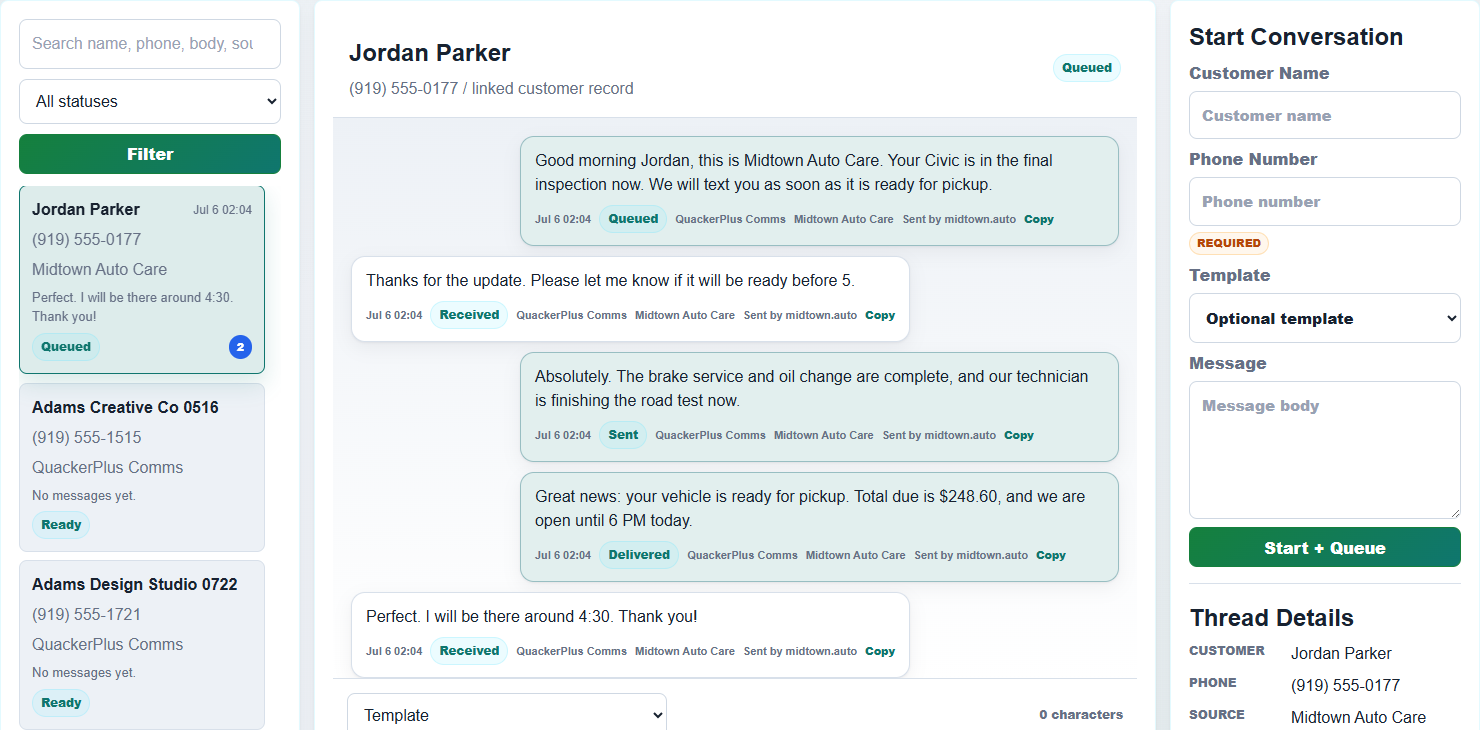
What stays attached
Each conversation is easier to trust when the customer, workflow, message, and reply all remain connected. Your team can see why the message was sent and what happened next.
The conversation stays tied to the person who triggered the workflow.
The job, invoice, update, authorization, or review request remains the center of the thread.
The sent message is clear, logged, and connected to the action that created it.
The customer's response comes back where the operator can keep moving.
Built for operators
Operators can send client messages from the job flow, invoice flow, update flow, authorization flow, review request flow, and reply thread.
Start with the customer message your website already needs to send, verify it works, then expand into more workflow moments.

Ready to make the workflow quack?
Choose the workflow moment that already needs a clear customer conversation.